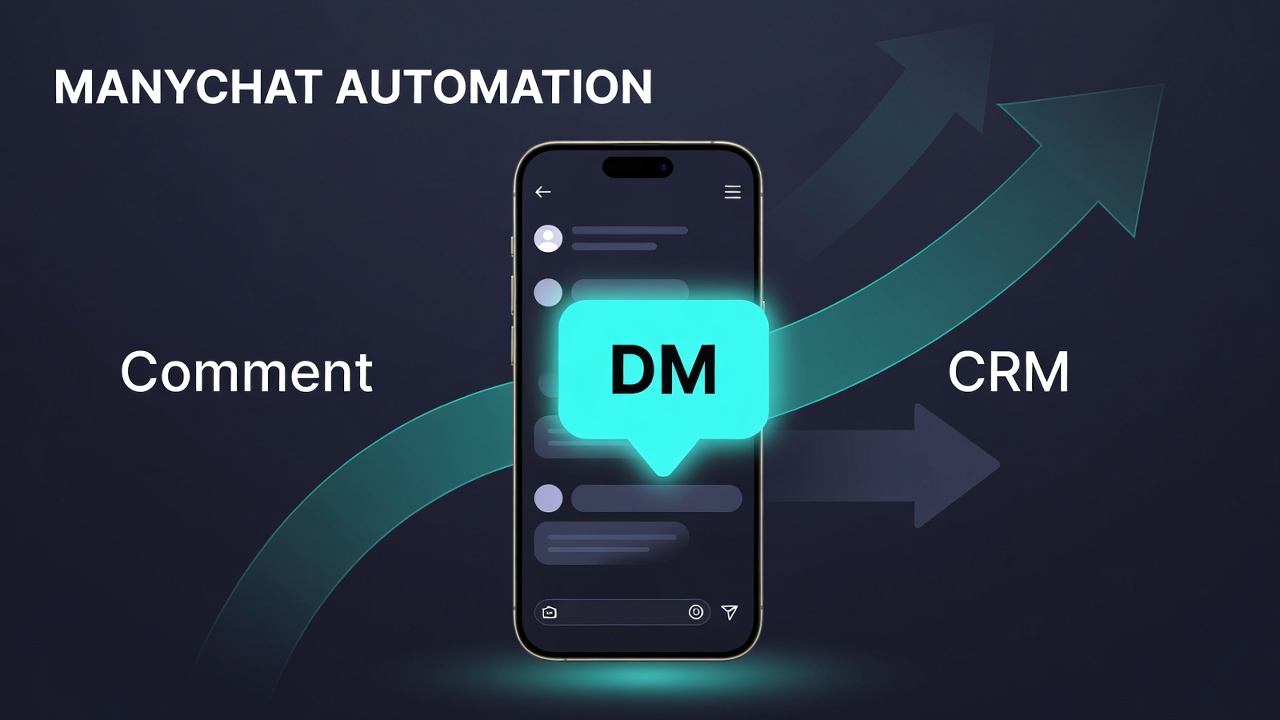
Manychat Automation: Instant DM Lead Capture System
Partner offer
Get 1 month of Manychat free
Through our Manychat partnership, anyone who starts with our link can claim a free 1‑month trial. Use it to build the instant-reply system in this article.
Free automation
Import our Instant Reply flow
Open the Manychat share link below, then add the automation to your account. Customize the keyword (e.g. GAP), questions, and handoff tags for your offer.
Automation share link
https://app.manychat.com/flowPlayerPage?share_hash=2125542_df75dee526b3eb841f389d88e162bae38f804571
Manychat automation is the fastest practical way to turn Instagram comments, form fills, and Messenger interest into live sales conversations before your lead cools off.
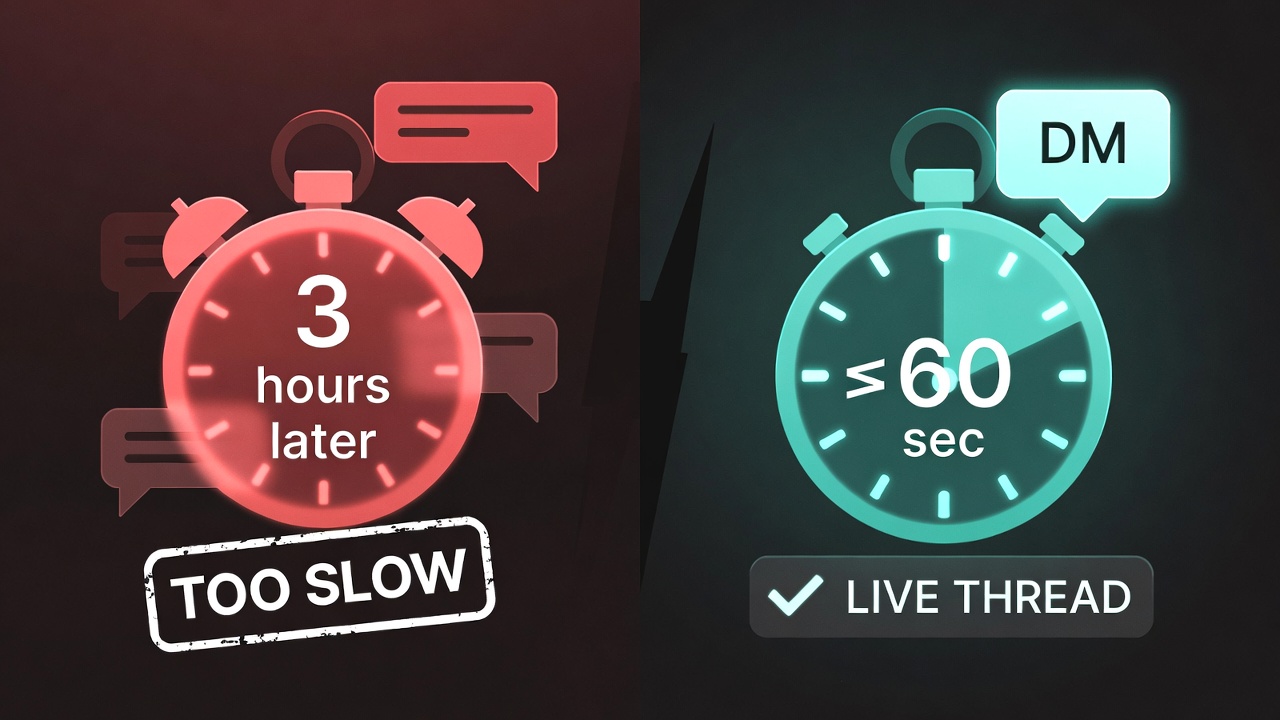
Most paid traffic dies in silence. Someone comments on an ad or submits a form, then waits. Research on web leads shows how expensive that wait is: firms that contact a prospect within an hour are nearly seven times as likely to qualify the lead as those that wait longer (Harvard Business Review). Earlier MIT / InsideSales work on lead response timing found contact odds drop sharply after the first few minutes (Lead Response Management summary). Message channels make that window even more valuable while Meta’s messaging products are built for high-intent, conversation-first follow-up (Meta Business Messaging).
What Manychat automation actually does
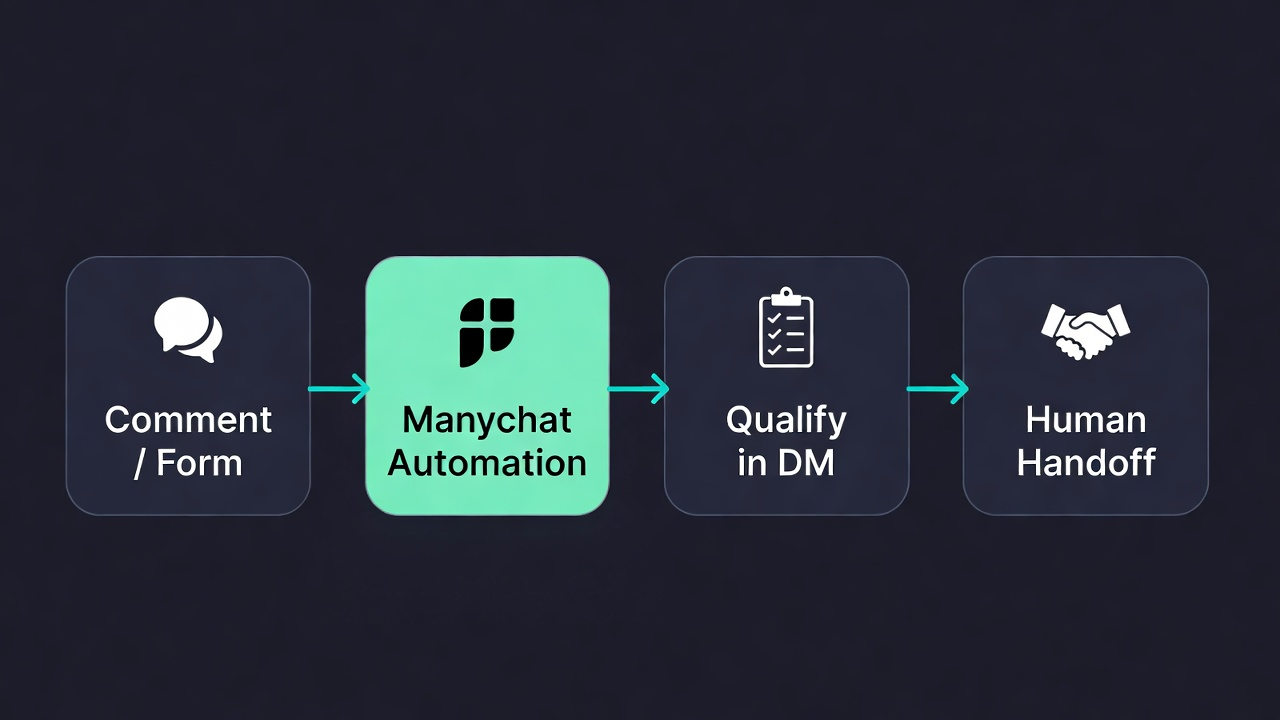
In plain terms, Manychat automation watches for a trigger (comment keyword, story reply, form event, or ad engagement), starts a private conversation in Instagram Direct, Messenger, or WhatsApp, asks one or two qualifying questions, captures email/phone when needed, tags the contact, and routes a warm lead to a human without asking your team to live in the inbox 24/7.
That is different from dumping a link in a reply and hoping they click later. The conversation stays in-thread, so context travels with the lead into your CRM or sales stack. For product capabilities and channel coverage, start with Manychat’s own overview of flows and Instagram tools (Manychat Help Center · Manychat Instagram).
Watch: how we structure Manychat automation for speed-to-lead (comment → DM → human handoff).
The five flows that matter for Meta ads operators
- Instant reply window — fire a DM the moment interest shows (comment, form, or DM).
- Ad engagement bridge — move noisy comments into a tagged pipeline with email/phone capture.
- WhatsApp in one inbox — run WhatsApp beside Instagram/Messenger instead of a Zapier/Make chain (WhatsApp Business Platform).
- Comment → DM (not link dump) — keep qualification buttons inside the thread.
- Forms + chat — pair structured form data with a conversation that can hand off warm.
Why speed beats more ad spend
Buying more clicks does not fix a slow inbox. HBR’s audit of thousands of U.S. firms found average response times measured in many hours—not minutes (HBR: The Short Life of Online Sales Leads). Chat automation closes that gap for social and messaging leads without forcing every reply to be handwritten. Automation should start the thread; a person should still close the deal when intent is high.
How to implement without duct tape
- Connect Instagram, Messenger, and (if needed) WhatsApp under one Manychat workspace.
- Set one primary keyword or ad comment trigger for your lead magnet.
- Open with a clear value line + one qualifying question (buttons beat open text).
- Capture email/phone in-chat only after intent is clear.
- Tag outcomes (
qualified,browsing,handoff_ready) and notify a human. - Sync tags/contacts to the CRM your sales team already uses.
Official channel rules and messaging policies still apply—review Meta’s messaging guidance before you scale ads into DMs (Meta Messaging Policies).
Free download: Instant Reply Setup (PDF)
Want the exact instant-reply blueprint we use—triggers, question map, tags, and handoff rules—on one page?
Free PDF infographic
Download the Instant Manychat Setup
One-page checklist: comment → DM trigger, qualify buttons, email capture, tags, and human handoff.
Next steps
If you want the system installed for you, talk to UXFocus. If you want to build it yourself, start Manychat with our partner link in the resources below, then use the PDF as your build checklist.
Resources
- Agency: https://uxfocus.marketing
- Manychat (partner): Try Manychat for Free for 1 Month
- HBR lead response research: hbr.org/2011/03/the-short-life-of-online-sales-leads
- Meta Business Messaging: facebook.com/business/marketing/messenger
- WhatsApp Business Platform: business.whatsapp.com
- Manychat Help Center: help.manychat.com